
How to scan to PDF online free
Last updated: August 2026
Quick answer: Capture each page as a photo or image, open ScanTo, add the images in order, set quality, and download your PDF — no install or login.
Need device-specific steps? See how to scan to PDF on iPhone and scan to PDF on Android .
-
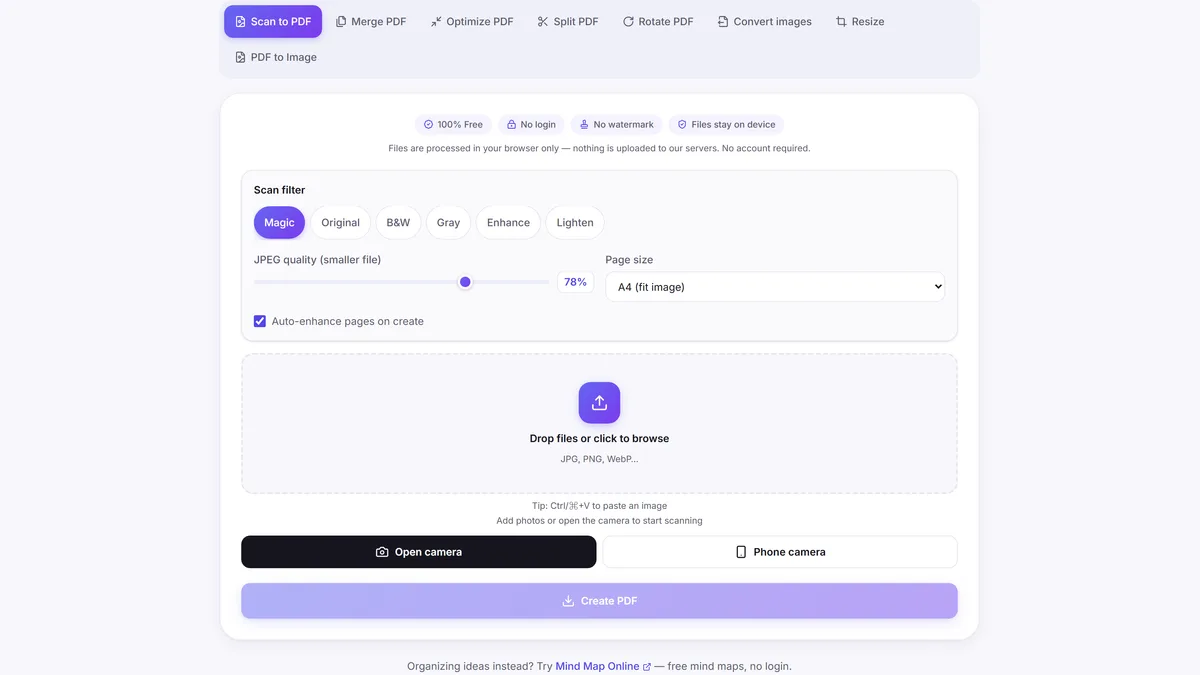
1. Capture document pages
Take clear photos of each page in good light with a flat background.
-
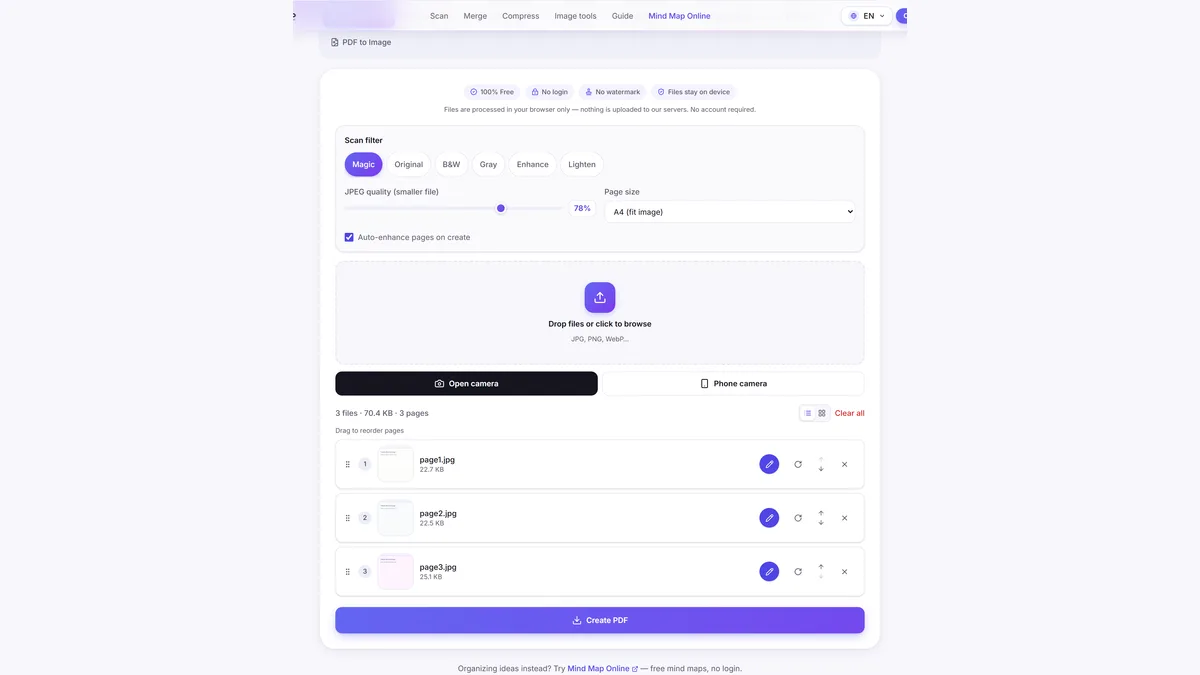
2. Open ScanTo in your browser
Open ScanTo on mobile or desktop and choose Scan to PDF.
-
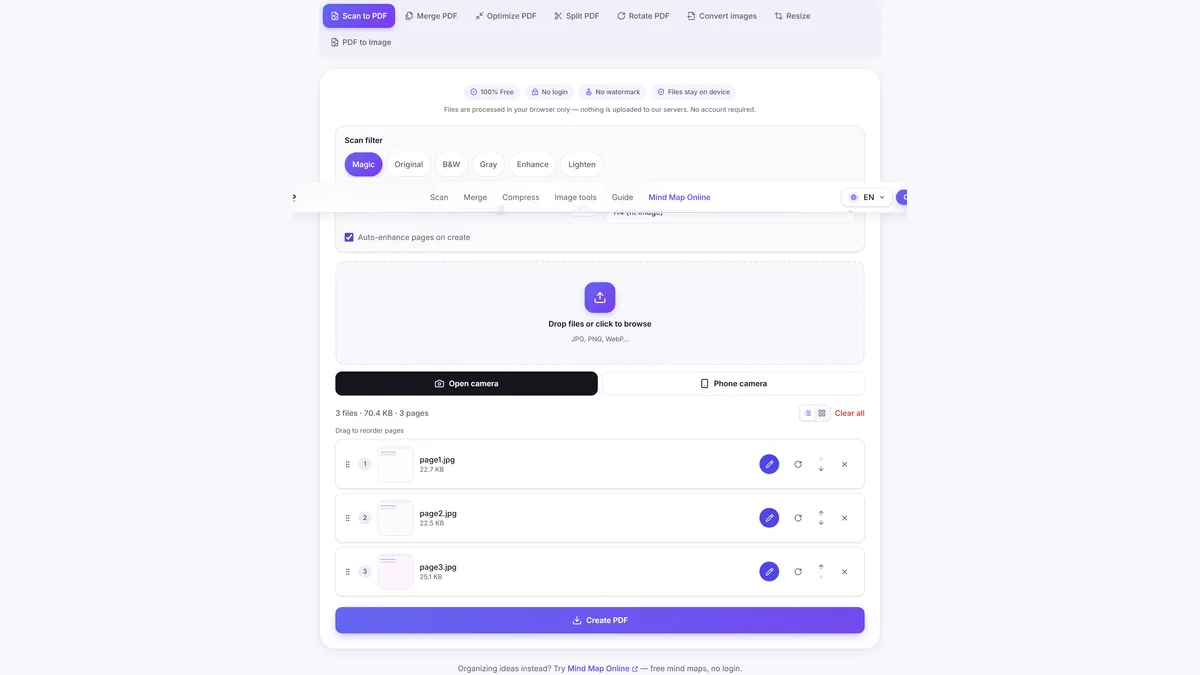
3. Upload images and adjust quality
Add page images in order and lower quality if you need a smaller file.
-
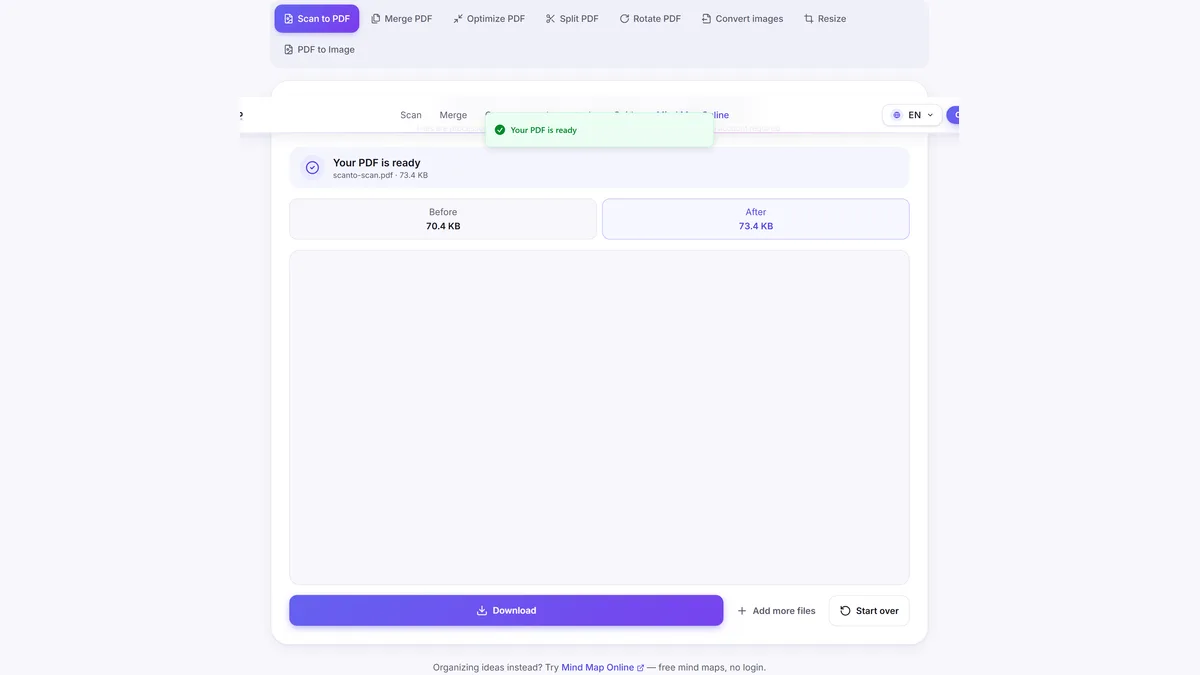
4. Download and share PDF
Download the generated PDF and submit or share it.
Frequently asked questions
How do I scan a document to PDF without a scanner?
Use your phone camera, transfer images if needed, then convert with ScanTo Scan to PDF in your browser.
How to scan to PDF on iPhone?
Take document photos, open ScanTo in Safari, add images in order, and download one PDF. See our iPhone guide for step-by-step details.
Do I need an app from the store?
No. ScanTo runs in the browser and does not require installation.
How can I keep the file under 100KB or 1MB?
Use fewer pages, lower the quality slider, and crop margins before converting.
Can I scan to computer without printer software?
Yes. Capture images on your phone, move them to your computer, and create the PDF with ScanTo in your browser.
Related scan guides
Also free: Mind Map Online — create mind maps with no login.